Editing Your Hosts File In Windows

Andrew Nacin mentioned here at WordCamp San Francisco 2011 where your hosts file is on Mac (and Linux), but I thought I’d point out where your hosts file is on Windows and how to change it so that you can point domain names to your local computer.

The easiest solution is to create a shortcut that will open Notepad and then tell it to open your hosts file. Right-click your desktop and select New → Shortcut. Paste the following into the field that pops up:

[code light=”true”]%windir%\system32\notepad.exe %windir%\System32\drivers\etc\hosts[/code]

Once you’re done creating the shortcut, right-click it and select “Properties”. Under the “Shortcut” tab is an “Advanced” button. Clicking it will show a checkbox for “Run as administrator”. This is important because otherwise you won’t be able to save your changes as the file is a protected one.

Opening it will show a little documentation and some examples. If you want to add your own, just add it to the bottom in this format:

[code light=”true”] 127.0.0.1 yourdomain.com[/code]

Saving the file and then visiting the domain in your browser will now show you files served by your local development environment. Note: a hard refresh may be required to due to your browser’s DNS cache. This can be accomplished by pressing control and F5.

This post was updated to recommend using a shortcut instead of manually opening Notepad as an administrator.
Accessing Other Databases/Servers From Within WordPress

Say you have a WordPress install where you need to pull in data from a separate database or server. The normal $wpdb instance of the wpdb class is limited to the database that your WordPress tables are located in. Yes, you could use mysql_connect() and the other standard PHP database functions, but then you don’t get all of the WordPress magic. So what to do?

The answer is surprisingly simple: make a new instance of the wpdb class! Dion Hulse (DD32) was kind enough to point out this great solution to me a few weeks back and I thought it was worth sharing with you all.

[php]$myotherdb = new wpdb( $dbuser, $dbpassword, $dbname, $dbhost );

$myotherdb->get_results( "SELECT id, name FROM mytable" );[/php]

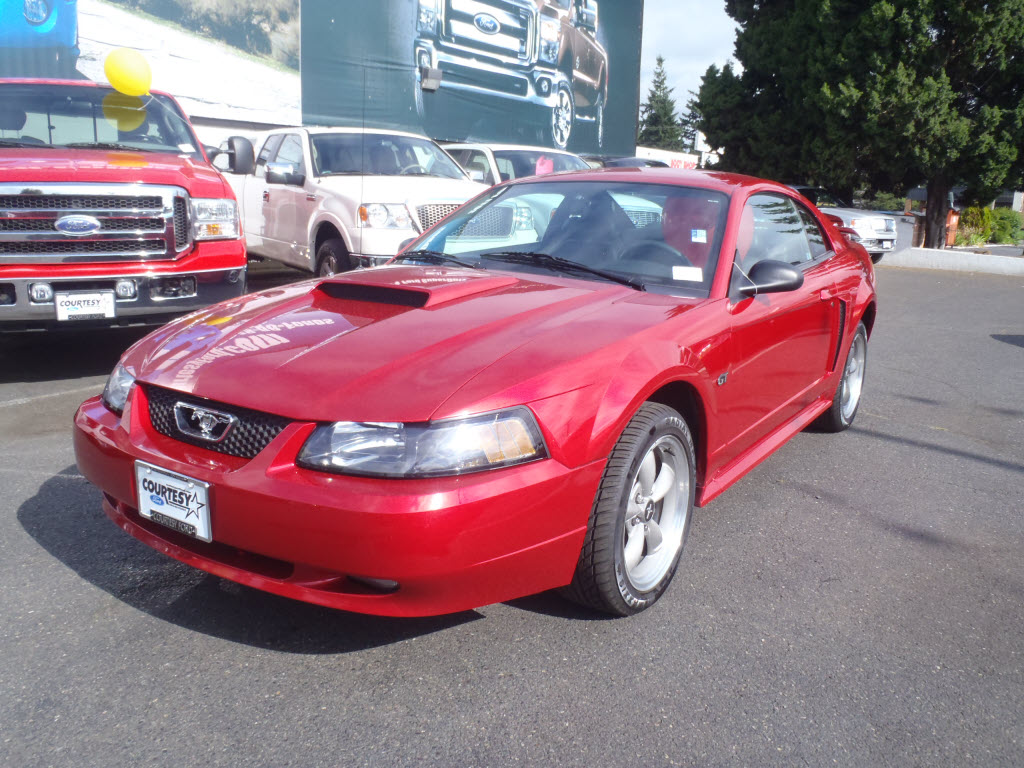
2001 Ford Mustang GT

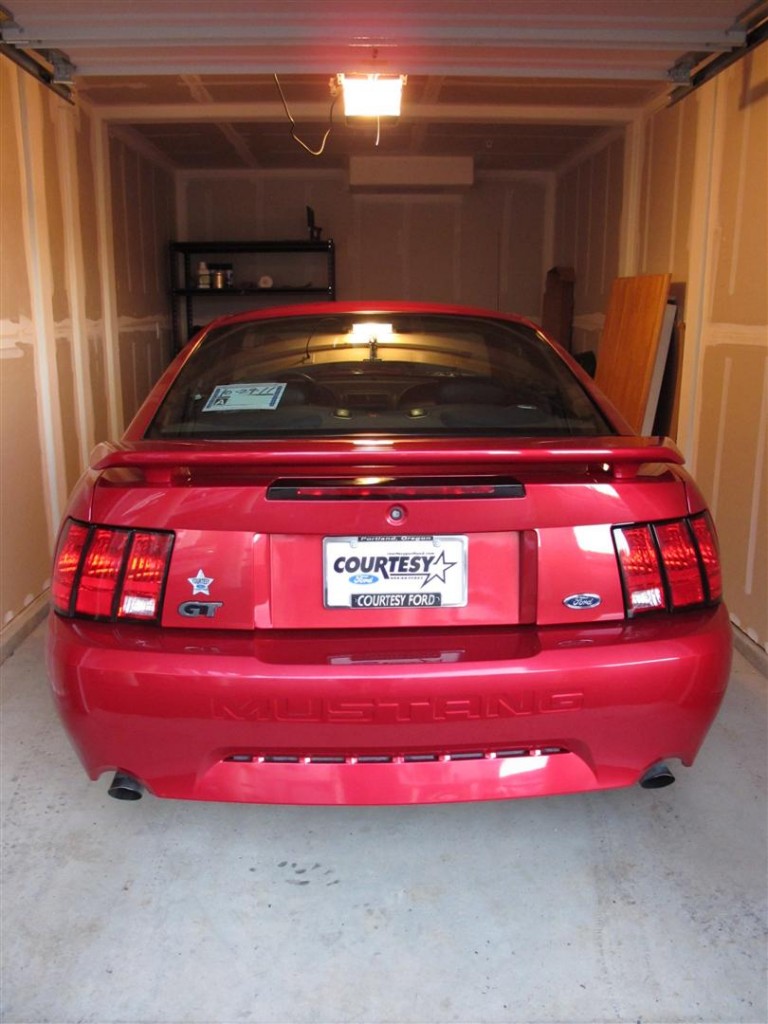
After two months of driving a beater in order to get good at driving stick and better at driving in general, I’ve moved on to a significantly better car — a 2001 Ford Mustang GT. I picked it up last Saturday night and it has a 260 horsepower V8 with a 5 speed stick shift. It is amazingly fun to drive and is really quick (at least to me, heh).

2001 Ford Mustang GT

2001 Ford Mustang GT

More pictures can be found over in the thread I made on some forums I run.

Here’s some video I made using my GoPro. It looks like I’m going slower than I actually am due to the wide angle lens and because I have it mounted on the top of my windshield. 😉